Local DeepSeek on your desktop
A desktop chat for the DeepSeek API. Sessions, accounts, 35 AI tools, file & shell access, voice input, and a one-file installer. Download → run → done.
≈140 MB · single .exe · no admin rights
def cache_get(k):
    if k in CACHE:
        return CACHE[k]   # race here
    CACHE[k] = fetch(k)
What's inside
Chat with DeepSeek
Streaming, reasoning, switch any of 5 models right from the input bar.
AI works with your files
Through function calling the AI reads/writes files, patches code, runs shell — all inside your workspace folder.
Voice input
Microphone button in the input bar. Speak — get text. Free Google Web Speech, no API key needed.
Local accounts
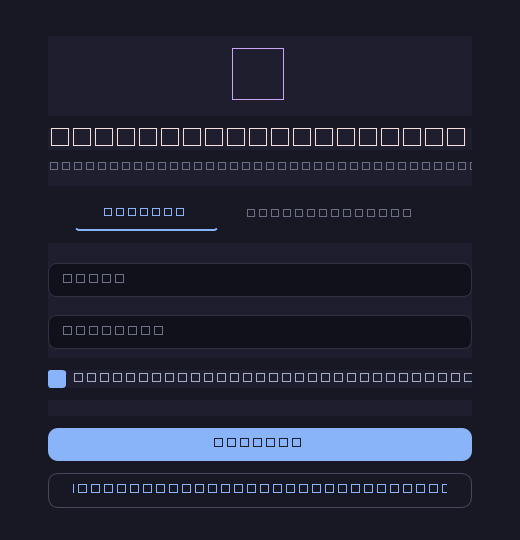
Register / sign in / Stay signed in. Each account has its own sessions and settings. PBKDF2-hashed passwords.
Sessions that don't get lost
Autosave, content search, pinning, rename, Markdown export. Token + cost counter per session.
Quick actions
Copy / Regenerate / Edit / Delete on every message. Copy on code blocks. /help for slash commands.
Dark + light themes
Catppuccin Mocha by default. Switch to Latte in Settings → Appearance.
Auto-update
The app checks GitHub Releases on startup; an "Update available" button appears in the sidebar when a new version ships.
One-file installer
Graphical Setup.exe with folder picker, desktop & Start Menu shortcuts, and a silent uninstaller.
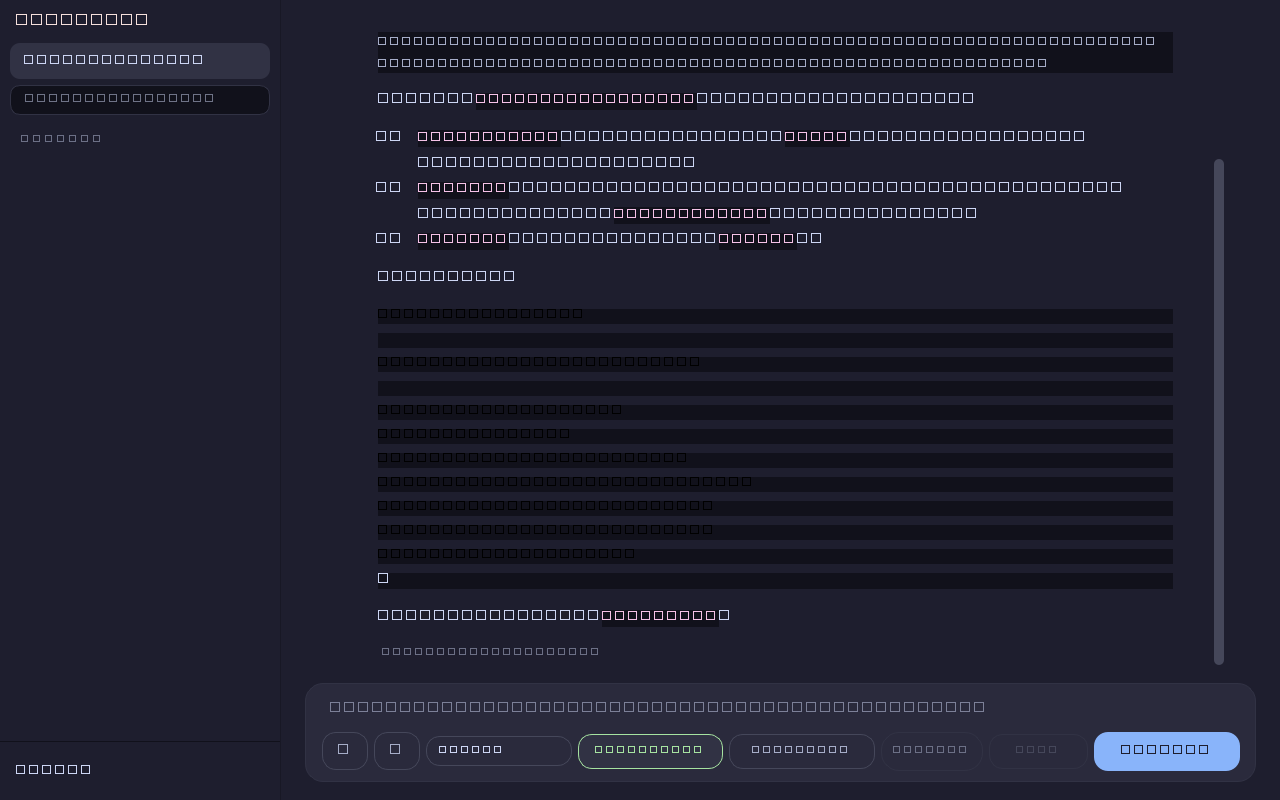
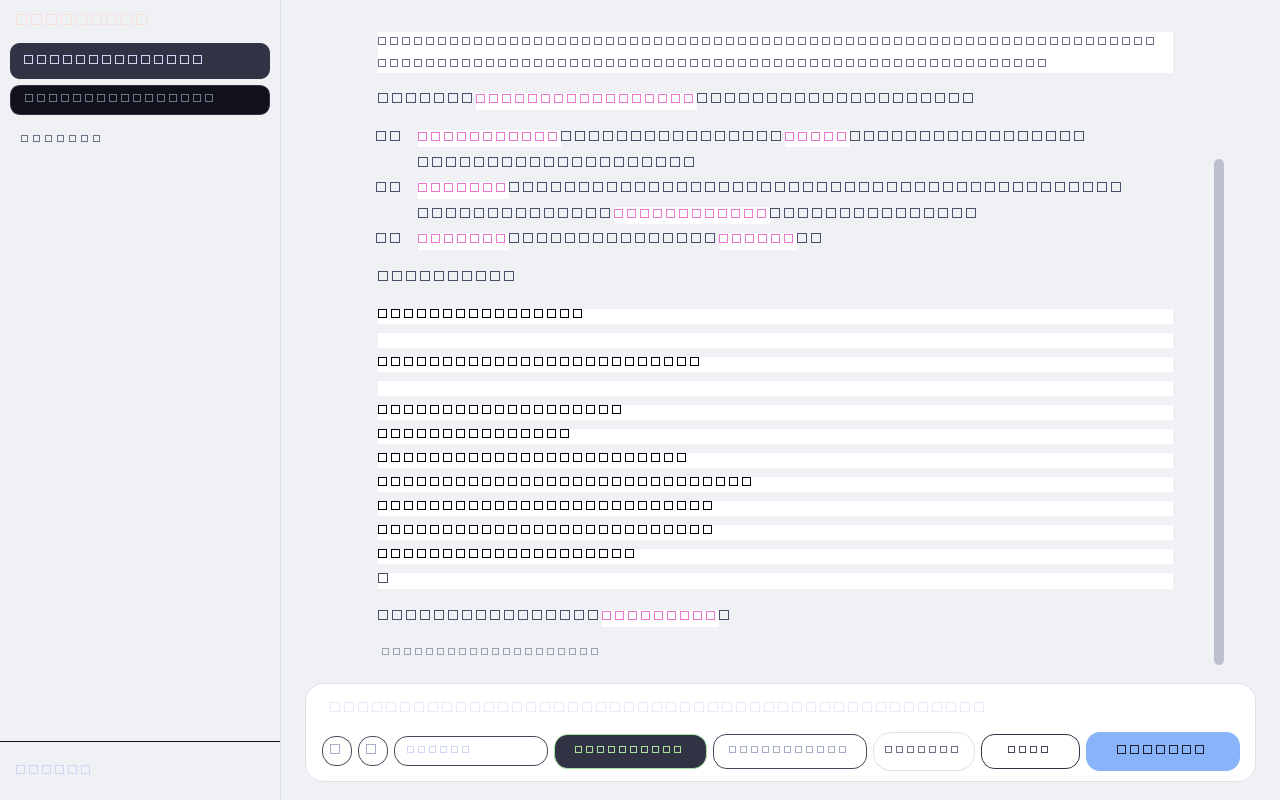
How it looks
Real frames from the app. Dark and light themes — switch with one click.
vs Cursor / vs Claude Code
In short: cheaper, no subscription, local accounts, open source. You pay only for DeepSeek tokens (~$0.14/M).
DeepSeek models
Switch at any time — selector lives right in the input bar.
Keyboard shortcuts
FAQ
Where is my data stored?
%APPDATA%\DeepSeekIDE\ — settings, sessions, accounts. The program folder is never touched. Uninstalling the app does not erase chats.
Is it a cloud account?
Local, no server. Accounts exist so multiple users on the same machine can keep data separate. Passwords are PBKDF2-SHA256 hashed.
Where does the API key come from?
A default key is embedded. You can paste your own at any time via Settings → API.
Linux / macOS?
The code is portable — but the .exe installer is Windows only. On macOS/Linux run from source: python main.py.
Auto-update — does it install by itself?
No. The app checks GitHub Releases, shows a button in the sidebar, and opens the release page on click. You still confirm the install yourself.